
- Key Takeaways
- What's the Difference Between Laser Marking and Laser Engraving?
- How Does Laser Marking Work?
- How Does Laser Engraving Work?
- Which Is More Durable: Laser Marking or Engraving?
- How Surface Finishes Affect the Choice Between Marking and Engraving
- Speed, Cost, and Application
- FAQ
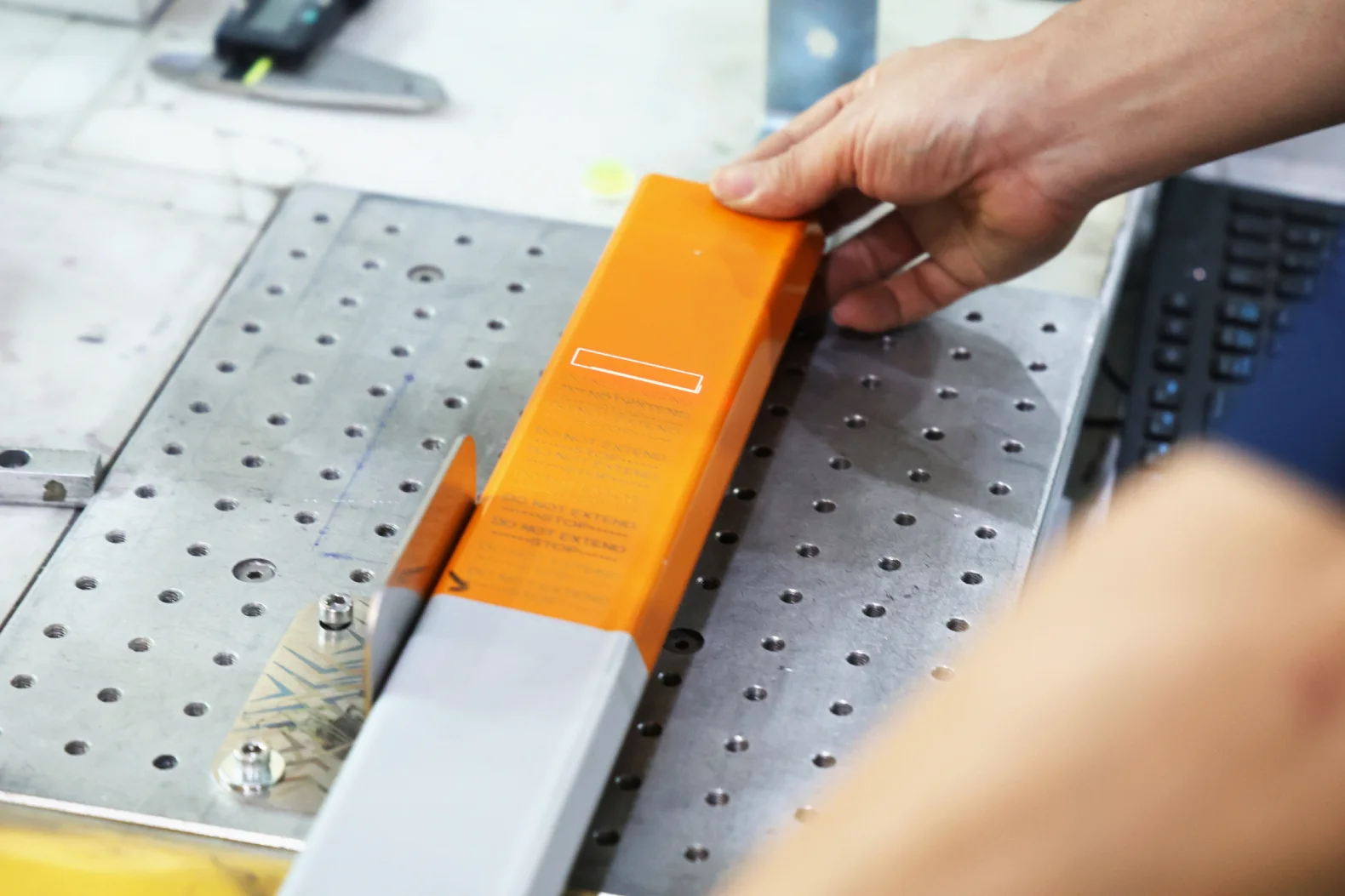
Laser marking and engraving are both methods for adding a design, logo, or information on the surface of a metal part. The difference between the two mainly has to do with the depth of the mark.
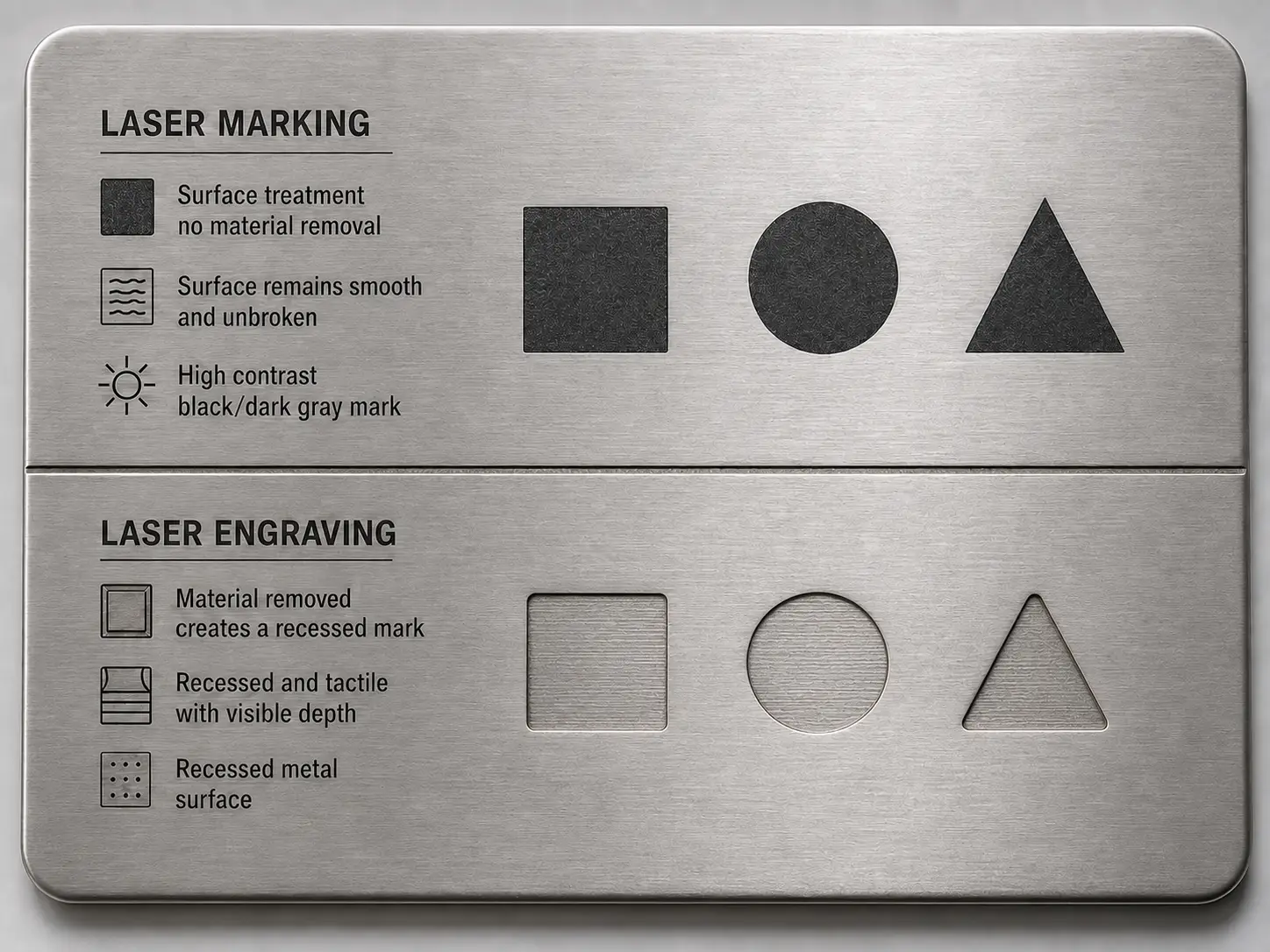
Laser marking works by changing the color of the material's surface without removing any of its layers. The mark is entirely at the surface level and can't be felt by touch.
Key Takeaways
Laser marking creates a surface-level design by changing the coloring on a metal part.
Laser engraving removes layers of material to create a recessed design that goes deeper than the surface.
Laser engraved designs are more durable to abrasion, sandblasting, and rough handling, but they could also introduce a risk of corrosion in stainless steel or anodized aluminum.
Laser marking is much faster and cheaper than laser engraving.
Table of Contents
- What's the Difference Between Laser Marking and Laser Engraving?
- How Does Laser Marking Work?
- How Does Laser Engraving Work?
- Which Is More Durable: Laser Marking or Engraving?
- How Surface Finishes Affect the Choice Between Marking and Engraving
- Speed, Cost, and Application
- Frequently Asked Questions
Laser engraving works by vaporizing away some of the material to cut a visible, tactile recess into the part's surface. The mark it leaves is typically up to 500 µm (0.020 in) deep.
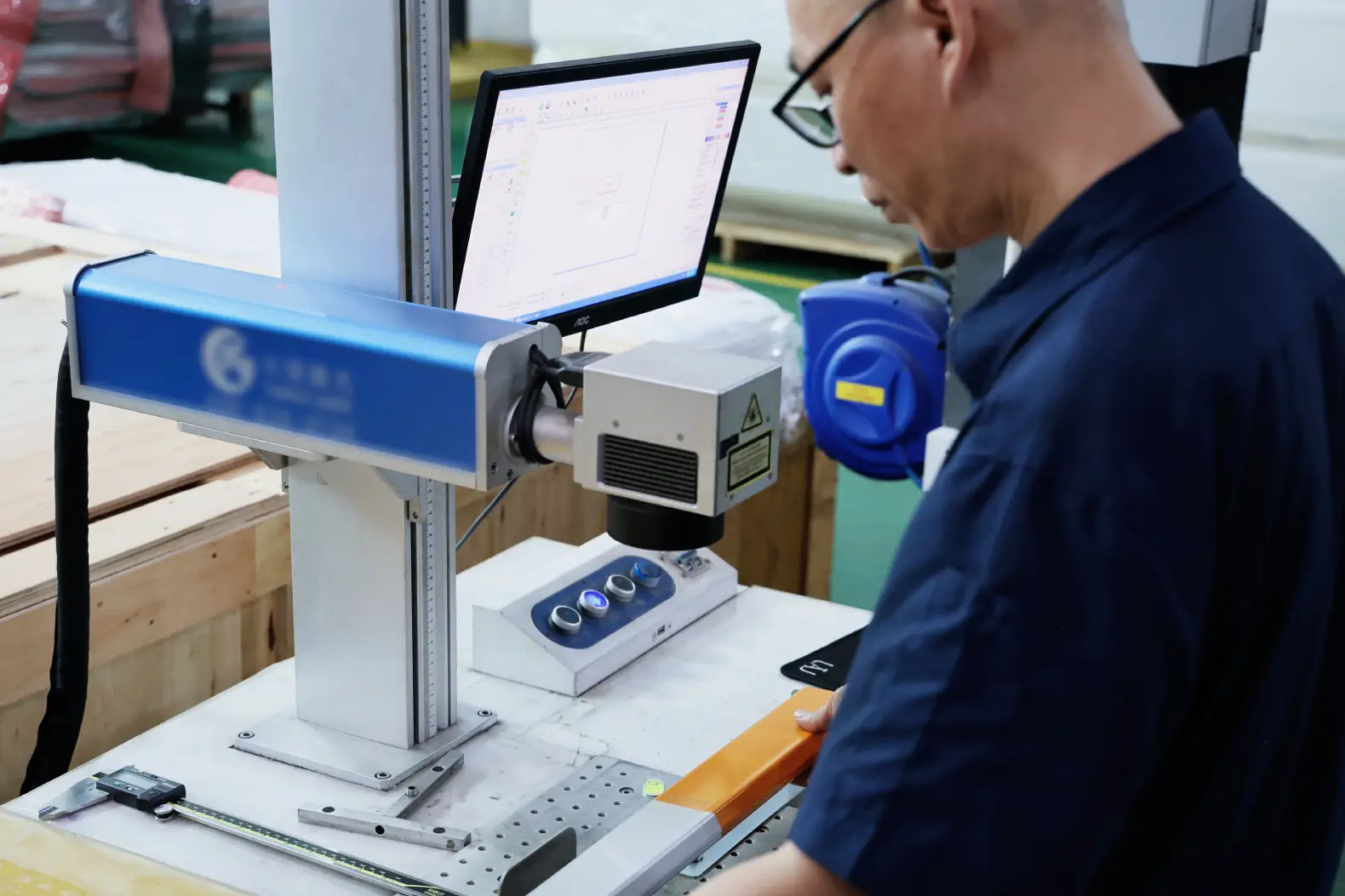
Each of these techniques will get you different results, but they can usually be done using the same fiber laser.
In this guide, we'll go over the major differences between laser marking and engraving, what kinds of mark they create, and how to choose between the two.
What's the Difference Between Laser Marking and Laser Engraving?
Laser marking is a surface-level process. The beam heats the material enough to change its color (through oxidation or controlled melting) but not enough to remove any of it. Run your fingernail across a marked surface and you won't feel any grooves or ridges.
Laser engraving creates a mark by removing material. The beam reaches vaporization temperature and ejects metal from the surface. This leaves a cavity you can both see and feel.
In practice, there are actually three depth tiers. Laser marking is the shallowest, engraving is the deepest, and etching is somewhere between the two.
Etching and engraving both involve the laser carving into the material. The difference, again, comes down to depth. As Laserax's post on etching and engraving shows, etching melts only a thin top layer and leaves a raised, frosted mark, while engraving cuts deeper and leaves a recessed design.
The trouble is, these terms often get used loosely. So you'll end up with purchase orders that specify "engraving" when the part actually needs to be etched. If your drawing just says "laser mark part number," your supplier will have to guess at which type of mark you want them to create.
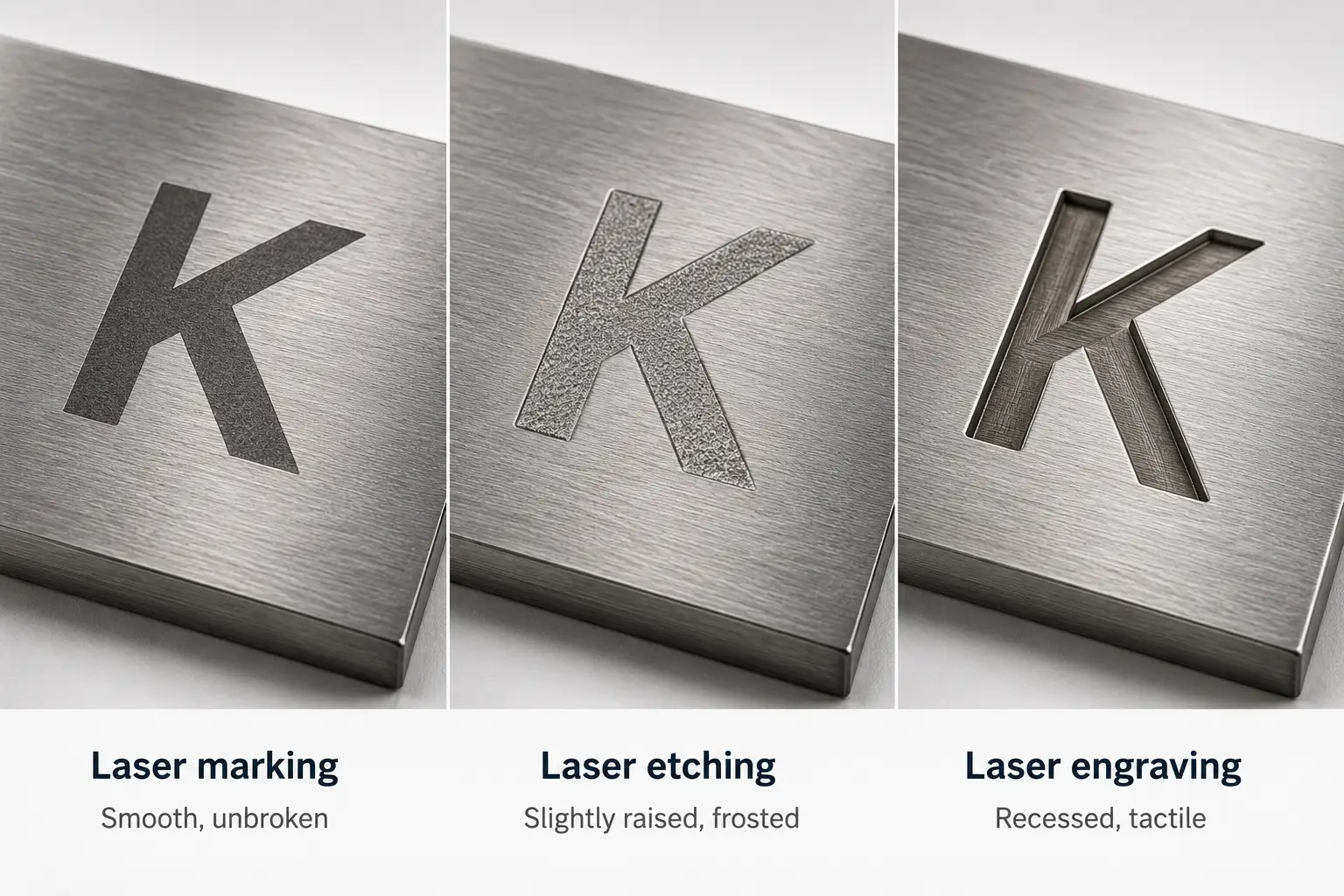
Marking, Etching, and Engraving Depth Comparison
| Process | Typical depth | Mechanism | Feel |
|---|---|---|---|
| Laser marking (annealing) | ~0 µm (subsurface) | Oxide layer forms under the surface | Smooth, unbroken |
| Laser etching | up to ~25 µm (0.001 in) | Surface melts and re-solidifies, creating a raised texture | Slightly raised, frosted |
| Laser engraving | up to ~500 µm (0.020 in) | Material vaporized and removed | Recessed, tactile |
How Does Laser Marking Work?
Laser marking (called laser annealing when it's used on steel) uses a lower-power beam to heat the metal below its melting point. This causes oxygen to migrate into the heated zone, which forms an oxide layer just beneath the surface. This leaves a high-contrast black or dark gray mark. Nothing is removed and the texture of the surface doesn't change, only its appearance does.
That untouched surface is the whole point of laser marking. If you're engraving a mark into stainless steel, you can cut into the corrosion-resistant layer on its surface. But laser marking (annealing) preserves it and keeps it protected.
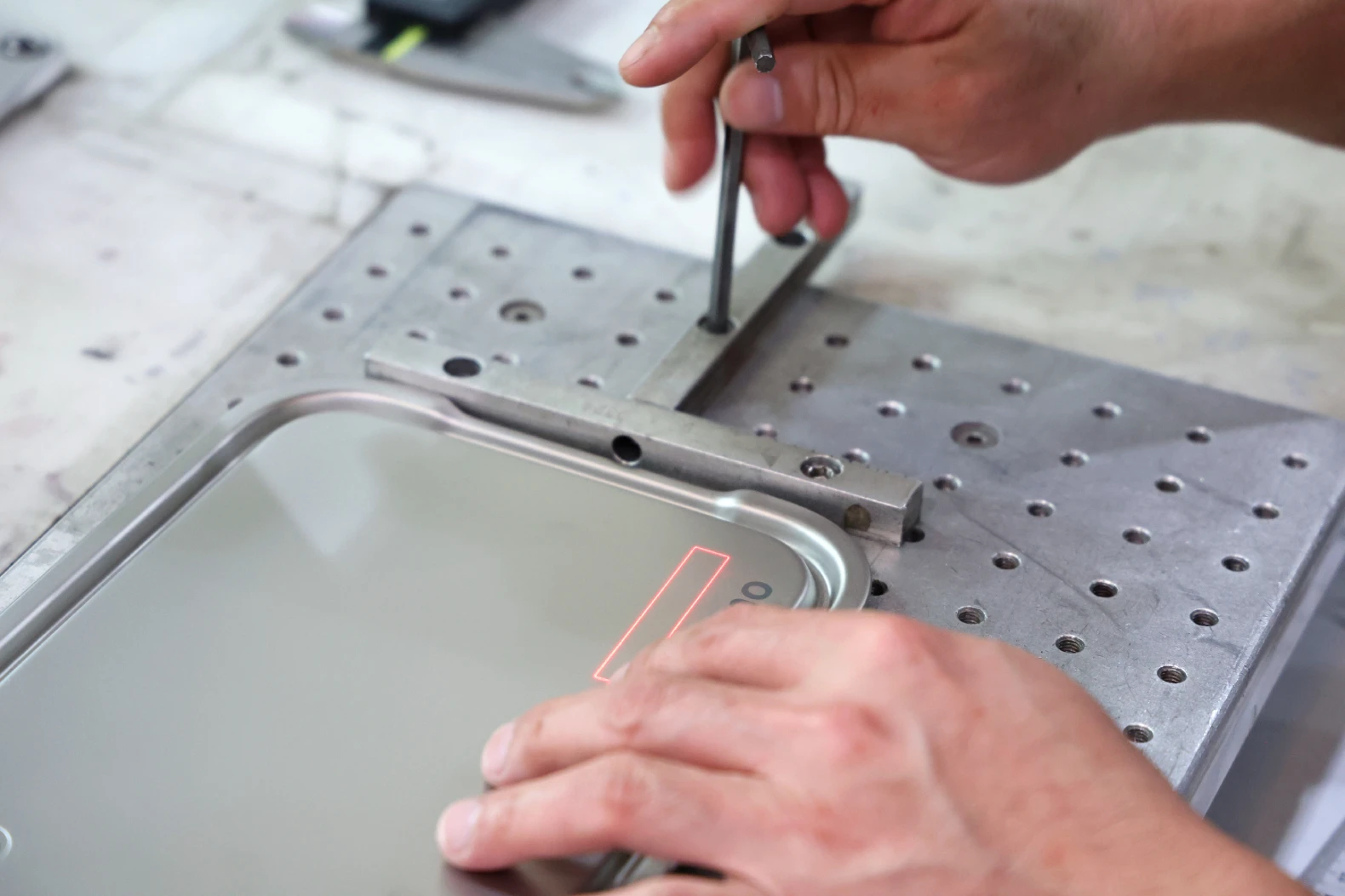
Fiber lasers with pulse-duration control (MOPA types) can produce a true anneal (a subsurface color change with no material removal), which is why, as Today's Medical Developments reports, annealing became the standard way to put UDI codes on surgical instruments. Durability testing by laser manufacturer FOBA showed that properly annealed marks on surgical steel was still readable even after 500+ sterilization and cleaning cycles.
One thing to note, however: if the marking process upsets the chromium balance at the surface of the material, putting the part through a passivation bath could etch the mark right off. Marking and passivation parameters have to be matched to prevent this, which is easier to accomplish if you have one supplier do both.
How Does Laser Engraving Work?
Engraving uses a higher-power laser to vaporize material from a part's surface. Each pass removes a layer, so repeated passes are needed until the engraving reaches its target depth.
Standard engraving on metals runs to about 500 µm. Deep engraving can go further to create a mark that is able to survive sandblasting or years of abrasion.
Engraving requires more time and energy than marking or etching. Of the three marking methods, it's the slowest – and a deep engraving can take even longer.
Engraving also leaves a real cavity, which can trap debris and concentrate stress. On thick material, that stress won't be an issue. But a 0.3mm deep-engraved logo on a 1mm aluminum bracket creates a vulnerability that could cause the part to fail.
The major benefit of laser engraving is permanence. Because the mark is cut into the material, it will still show even after the surface has been exposed to abrasion, heat cycles, and most chemicals.
Which Is More Durable: Laser Marking or Engraving?
For abrasion, engraving is far more durable. It's not even close. An engraved mark will survive the kind of handling, media blasting, and wear that would polish away a surface-level etch. If the part goes into mining equipment, agricultural machinery, or anything that gets sandblasted for refurbishment, go with laser engraving.
For corrosion, it's the other way around. Engraving breaks the passivation layer that protects stainless steel. It also cuts through the anodic coating on anodized aluminum. But annealing leaves both intact. That's why the medical industry (where corrosion and sterilization matter more than abrasion) relies on annealed marks rather than engraved ones.
So, which is more durable? It depends. If friction and wear are putting the mark at risk, opt for engraving. If it's corrosion or chemical exposure, annealing is generally preferable.
How Surface Finishes Affect the Choice Between Marking and Engraving
Most sheet metal parts ship with a finish. And that finish should also be considered when choosing the right marking method. Make sure to include both the marking callout and the surface finish callout on your drawing, and to specify the order in which they should be applied.
Powder Coating
With powder coating, you should apply the mark after the coating, not before, regardless of the method you're using.
For marking/annealing, the laser burns through the powder coating to expose bare metal underneath, producing a high-contrast, durable mark.
And if you laser engrave first, the coating will fill your mark.
Anodized Aluminum
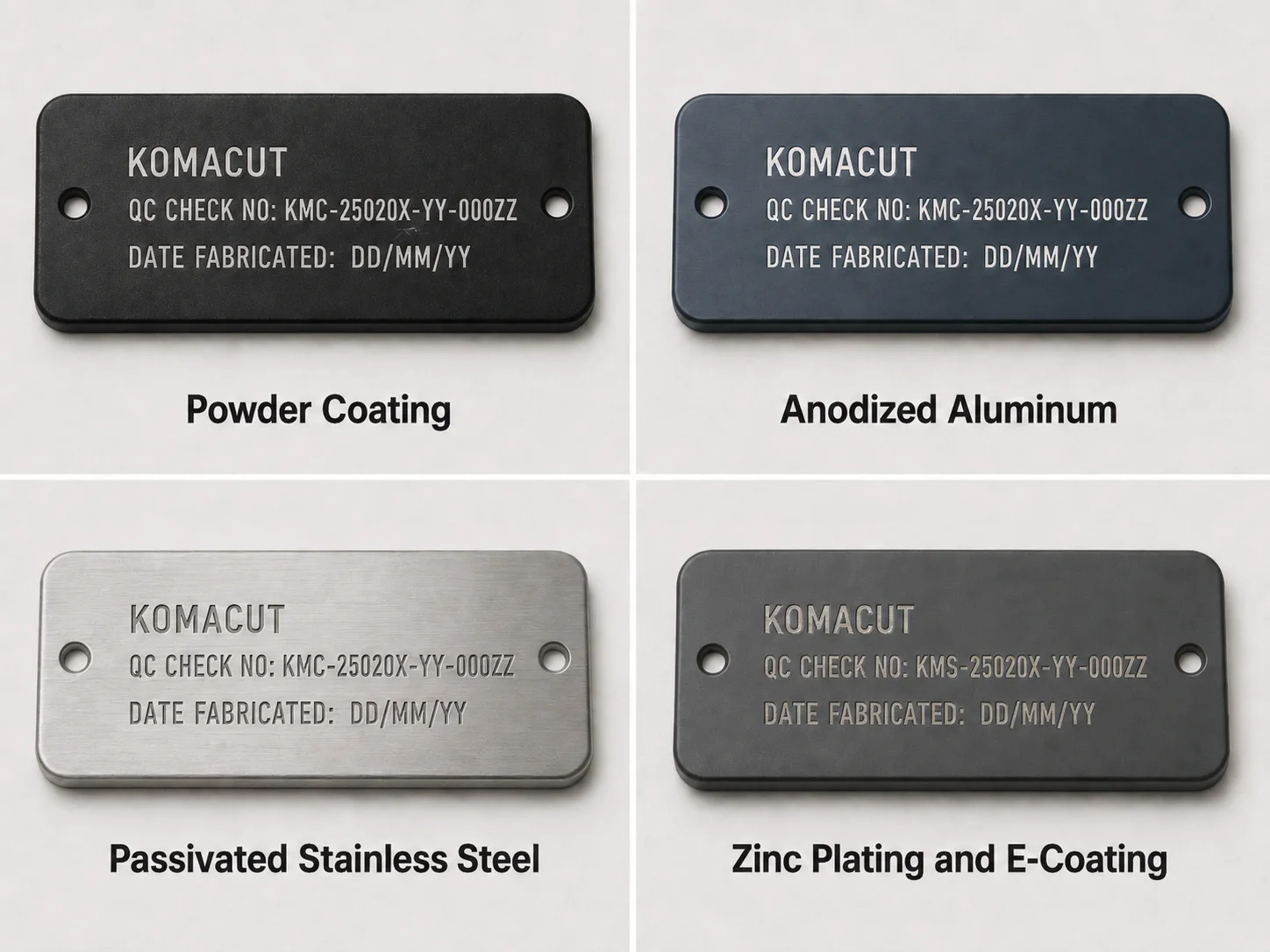
Apply the mark after anodizing the material. The beam removes the anodic layer locally and exposes bright bare aluminum against the dyed coating. This is why anodized panels laser-mark so well, as Products Finishing covers in detail. Marking before anodizing usually produces a faint, low-contrast result.
Passivated Stainless Steel
Avoid engraving into passivated stainless steel. Default to annealing instead.
If you need to engrave the part because it will be exposed to a high level of abrasion, make sure to re-passivate after engraving.
Zinc Plating and E-Coating
Engraving through plating is not advisable, because this exposes the unprotected base metal, which could lead to corrosion.
For marking, it's usually better to anneal after plating. That way, your mark will have more contrast and stand out visually.
Speed, Cost, and Application
Marking and etching are fast processes, often lasting only a second or two for a serial number. Engraving costs more machine time per part, and this increases with added depth. On a run of 2,500 pieces, this could make a noticeable difference in both time and expense.
Default to etching unless you have a reason not to. If the material you're marking is susceptible to corrosion, specify annealing instead. If the mark needs to withstand rough handling and abrasion, engraving is usually the right choice.
Marking Method Recommendations by Use Case
| Use case | Recommended process | Why |
|---|---|---|
| Serial numbers, date codes, part IDs on raw metal | Etching | Fast, readable, durable enough for indoor service |
| Data Matrix / traceability codes on stainless | Annealing | High contrast, preserves corrosion resistance |
| Logos and IDs on powder-coated or anodized parts | Engraving after finishing | Burns through coating for permanent contrast |
| Parts facing abrasion, blasting, or refurbishment | Deep engraving | Mark survives as long as the surface does |
| Thin (<1 mm) or fatigue-loaded parts | Marking or etching | Avoids concentrating stress and creating weakness |
Laser Marking & Engraving In-House
Try Komacut's instant quotation tool
Upload your CAD file with the marking callout and get an instant quote with DFM feedback, so your parts, marking method, and finish sequencing are handled in one place.
Frequently Asked Questions
Is laser marking permanent?
Yes, it lasts as long as the surface does. An annealed or laser etched mark won't fade, smear, or peel the way ink or labels do. However, it can be removed by heavy abrasion, aggressive polishing, or media blasting. Basically, anything that wears away the surface layer of the material could take the mark along with it. If the part will be blasted or resurfaced, specify engraving so it can handle that kind of treatment.
Can you laser engrave anodized aluminum?
Yes, and the results look great. The laser removes the anodic layer locally, exposing bright bare aluminum against the colored coating. This creates a permanent, high-contrast mark that really pops visually. Be sure to engrave after anodizing, not before. Otherwise, the mark will come out faint and low-contrast once the coating goes on.
What's the difference between laser etching and laser engraving?
Etching melts a thin surface layer that re-solidifies. When it does, it leaves a raised, frosted mark up to about 25 µm deep. Engraving vaporizes and removes material, cutting a deeper recess, up to about 500 µm. Etching is faster and cheaper, but engraving is more durable under abrasion because the mark becomes part of the geometry.
Does laser engraving weaken a part?
In some cases, it can. An engraved recess becomes an area where stress concentrates. On most parts, the effects of this are negligible. But on thin sheet metal or fatigue-loaded parts, it can create a weakness that could cause the part to fail. If you're not sure that the part could tolerate stress in the marked area, etch or anneal instead.
Which is cheaper, laser marking or engraving?
Marking and etching are cheaper because they're faster. You often need to run the laser for only one to two seconds per mark. Meanwhile, engraving requires multiple slower passes to get the job done. On prototypes or very small runs, the difference in time and expense will be trivial. But on production runs with thousands of units, the extra cycle time needed for engraving will add noticeable per-piece cost.
Komacut runs fiber laser engraving and marking in-house alongside laser cutting, bending, and finishing. That means the marking and finish sequencing is handled in one place. Upload your CAD file with the marking callout and get an instant quote with DFM feedback at b2b.komacut.com.